Start with your products.
Work with the catalog and media you already have in Shopify. Your store is the starting point.
Turn your products into a point of view. Beautiful collections, shoppable stories and AI imagery—all in your Shopify workspace.
Considered pieces.
Everyday possibilities.
 A lighter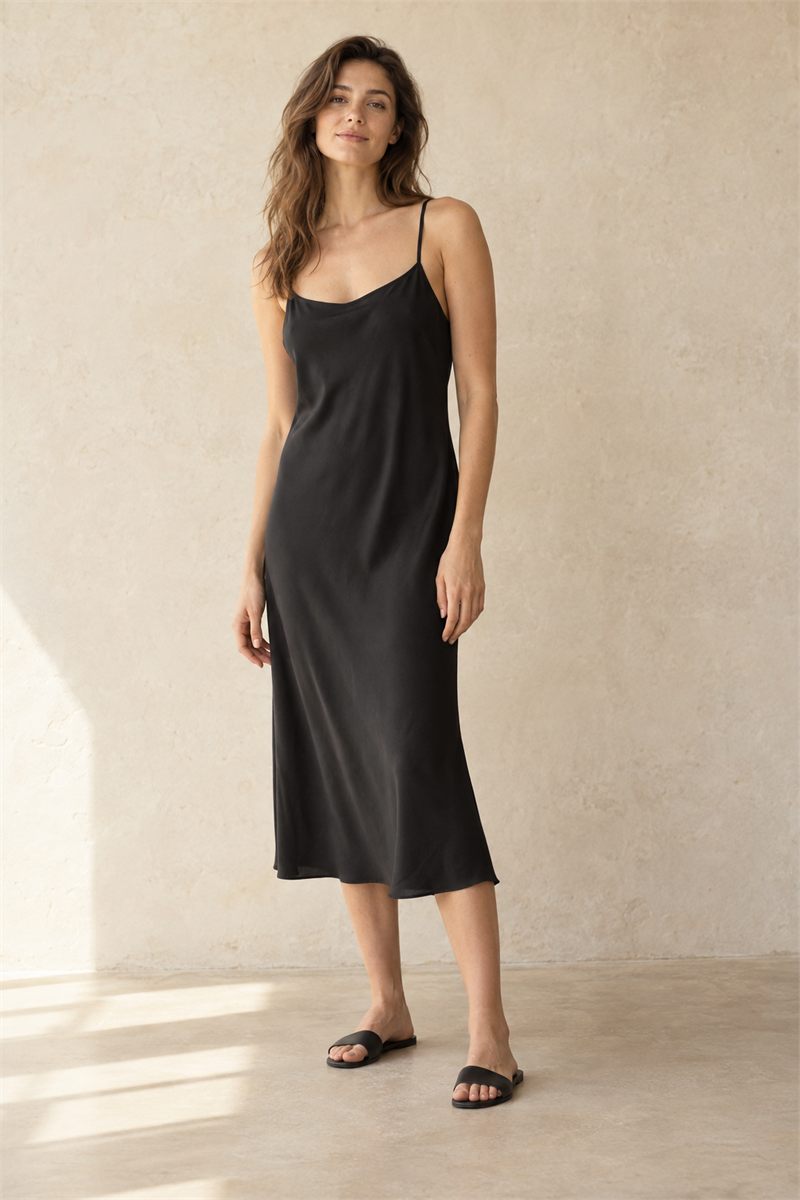
Products and stories, side by side.
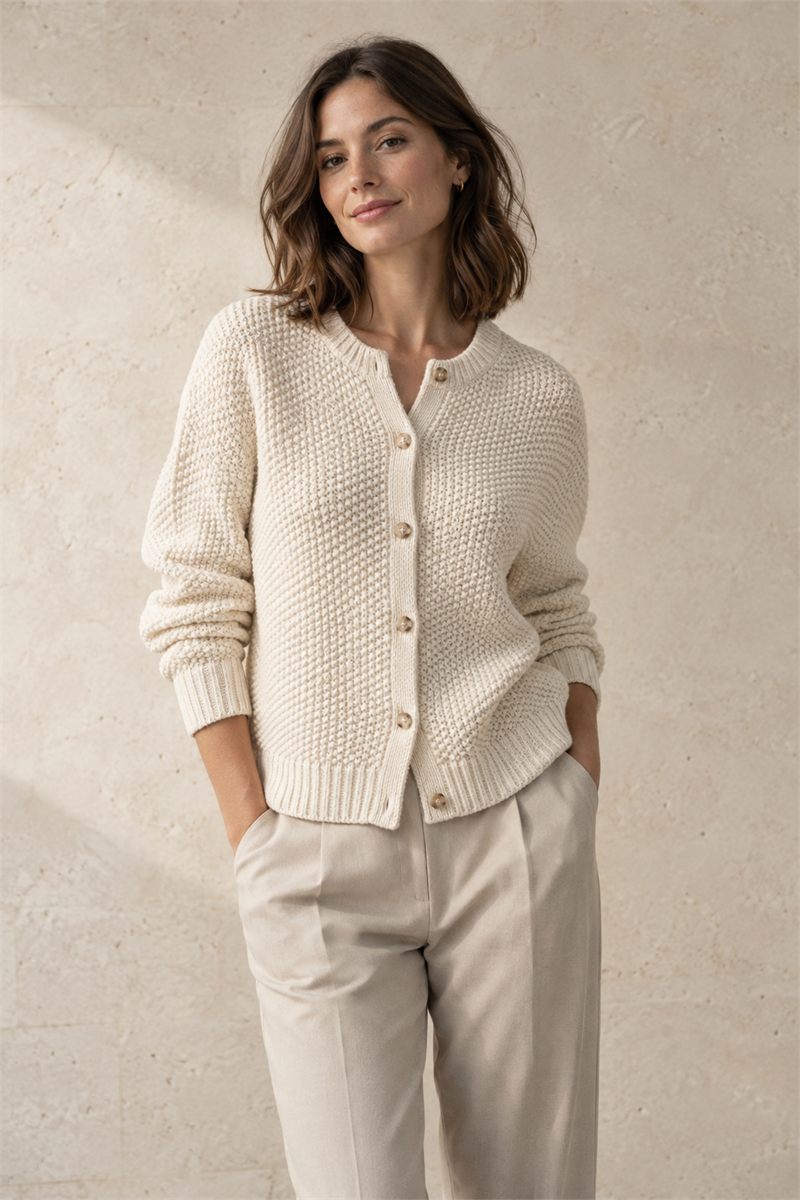
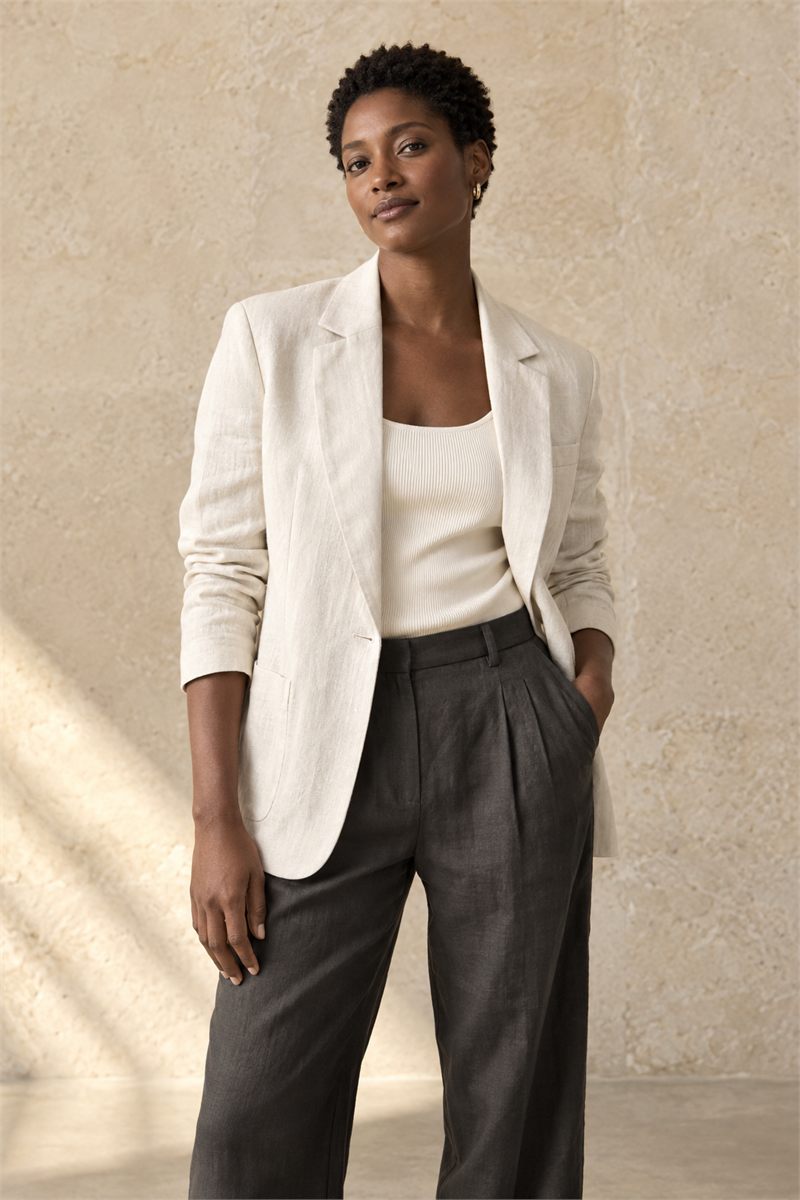
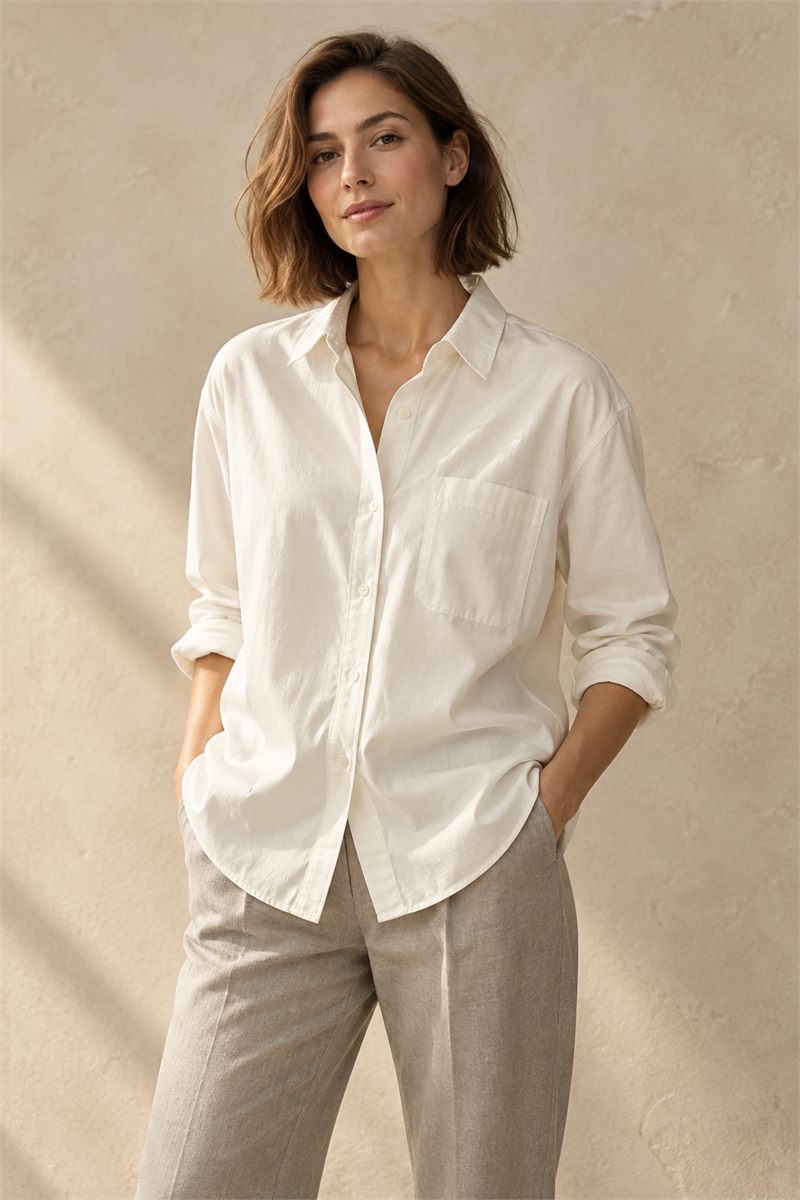 The poplin shirtThe little black dress
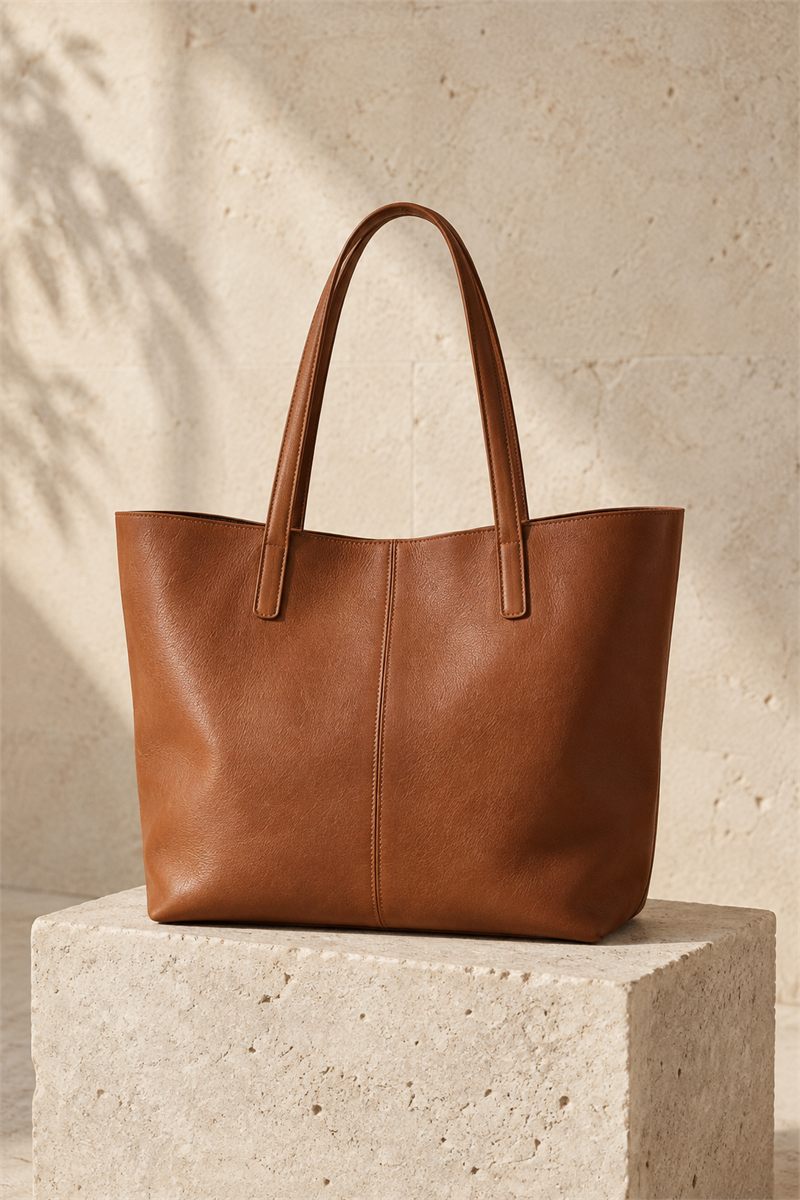
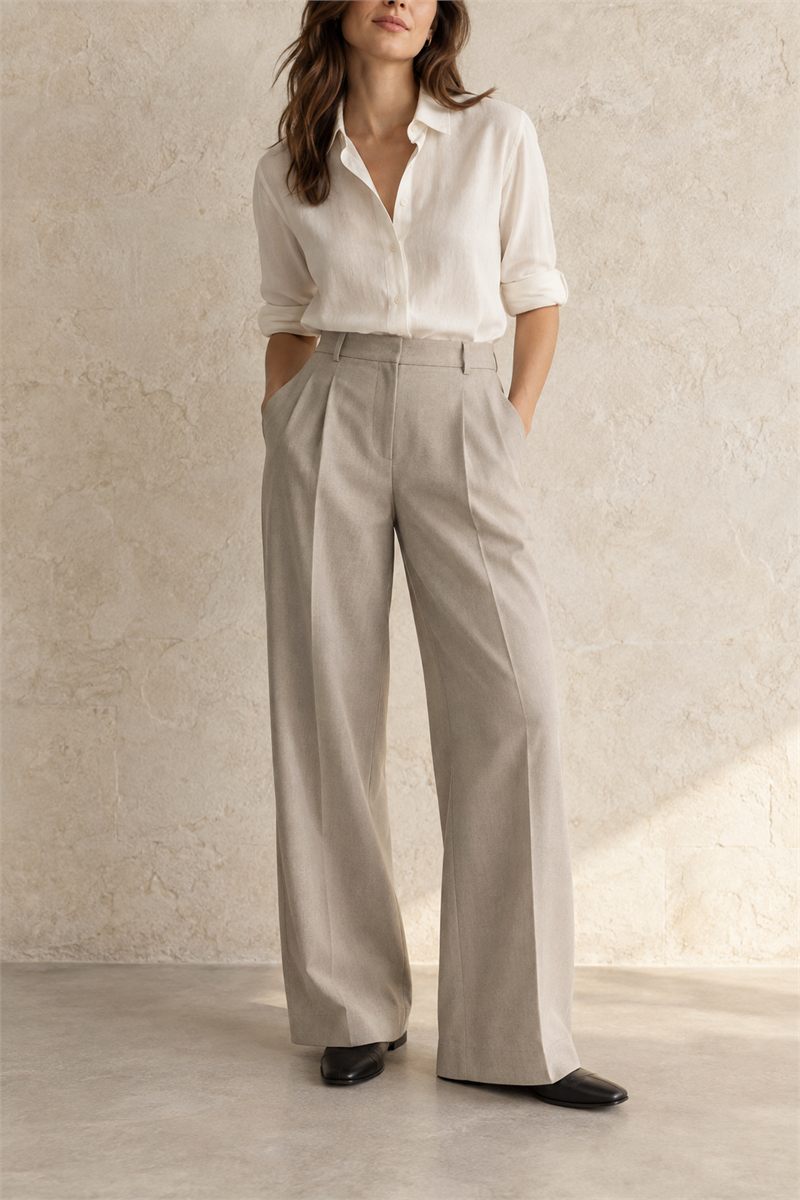 A tailored foundationThe everyday tote
Make room for the stories behind your assortment. Bring products, imagery and editorial moments together in one considered collection.
Mix product cards, images, text and shoppable content in a visual canvas.
Arrange by hand or set sorting rules. Pin a piece when it needs to stay put.
Work in drafts, preview your edit and schedule its release.
A seasonal story. A new collection. A considered selection for a buyer. Make a lookbook that brings it all together, with a link you can share.
Discover lookbooks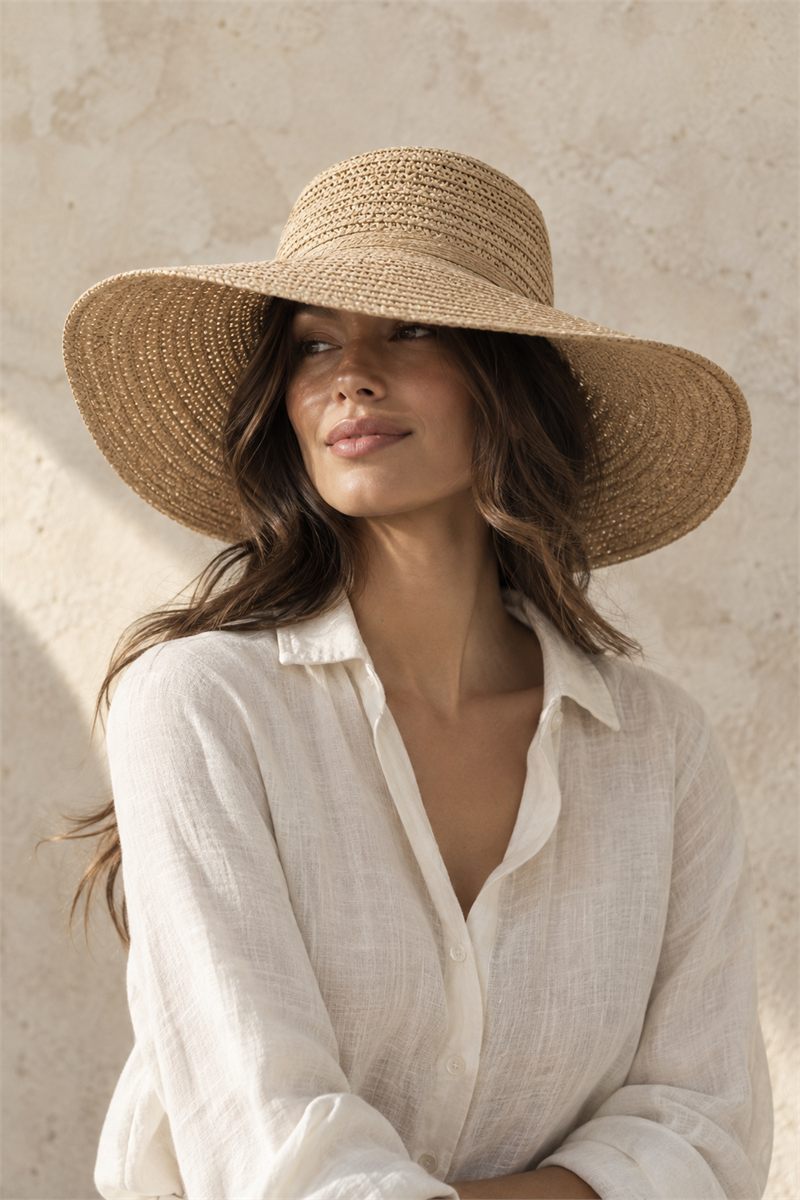
A little less ordinary.
The things you reach for.
The stories you make yours.
01 / YOUR PRODUCT 02 / YOUR CREATIVE DIRECTION
Warm light, natural textures,
a little room for imagination.
Start with a product photo. Explore new styles, settings and on-model imagery with Image Studio AI, powered by Silken.
Keep your creations close: add them to Shopify assets, attach them to products, and use them across your collections and lookbooks.
Step inside Image Studio AI AI-assisted creativity. You review every result before using it.Explore the tools behind the edit. These interactive examples illustrate the workflow—not your live store.
Bring your products and your story into the same frame. Arrange a thoughtful collection, add editorial moments, and publish when everything feels right.
Considered pieces.
Everyday possibilities.
A lighterGive a season, an edit or a new direction a place of its own. Create image-led lookbooks for shoppers and considered line sheets for buyers.
A little less ordinary.
The things you reach for.
The stories you make yours.
Start with your own product photo and explore a new visual direction. Create product, on-model and campaign imagery, then bring your chosen images back into Shopify.
01 / YOUR PRODUCT02 / YOUR CREATIVE DIRECTIONWarm light, natural textures,
a little room for imagination.
Build product recommendations with a clear merchandising point of view. Choose the selection, refine the presentation, and give it a place in your storefront.
Considered pieces for
your everyday wardrobe.
Tailored trousersThe everyday toteA softer layerBring product performance into the merchandising conversation. Explore sales and measured collection engagement, choose a reporting period, and take the detail into Excel or CSV.
The everyday tote28 units The poplin shirt19 unitsWork with the catalog and media you already have in Shopify. Your store is the starting point.
Arrange a collection, build a story, or create fresh imagery. Keep exploring in a draft.
Preview and publish your edit. Enable the collection layout embed or add a recommendation block in your theme, then learn from the data available.
MerchCanvas is built for Shopify merchants who want more control over how their products are presented. It brings visual collections, lookbooks, AI imagery, recommendations and reporting into one merchandising workspace.
MerchCanvas is currently being tested with development stores. Contact us with your Shopify store and what you would like to create, and we will discuss availability and setup. Requesting access does not start a paid subscription.
Paid plans and public pricing have not been finalized. Contact us to discuss access. Any commercial terms will be agreed before you are charged; this website does not start a trial or subscribe you to a plan.
No. MerchCanvas integrates with your existing Shopify storefront through its theme extension. Layout and recommendation setup depend on your theme’s capabilities; we can help check compatibility during setup.
Yes. Image Studio AI lets you save chosen images to Shopify assets for reuse, or add them to an existing product. Saving an asset, updating a product gallery and publishing a collection or lookbook are separate actions.
MerchCanvas is a product of Black Pear AB in Stockholm, Sweden. Its Image Studio AI is powered by Silken. Contact Conrad Staudt for access, support or questions about your store.
Tell us about your store. Let’s see what you can create.
Let’s talk MerchCanvasFor Shopify merchants. Built by Black Pear Studio.