A little direction. Many possibilities.
Explore 16 product photography styles, 96 adult model references and 13 scenes. Choose a pose, format and creative direction to shape the image.
Start with your own product photo and explore a new visual direction. Create product, on-model and campaign imagery, then bring your chosen images back into Shopify.
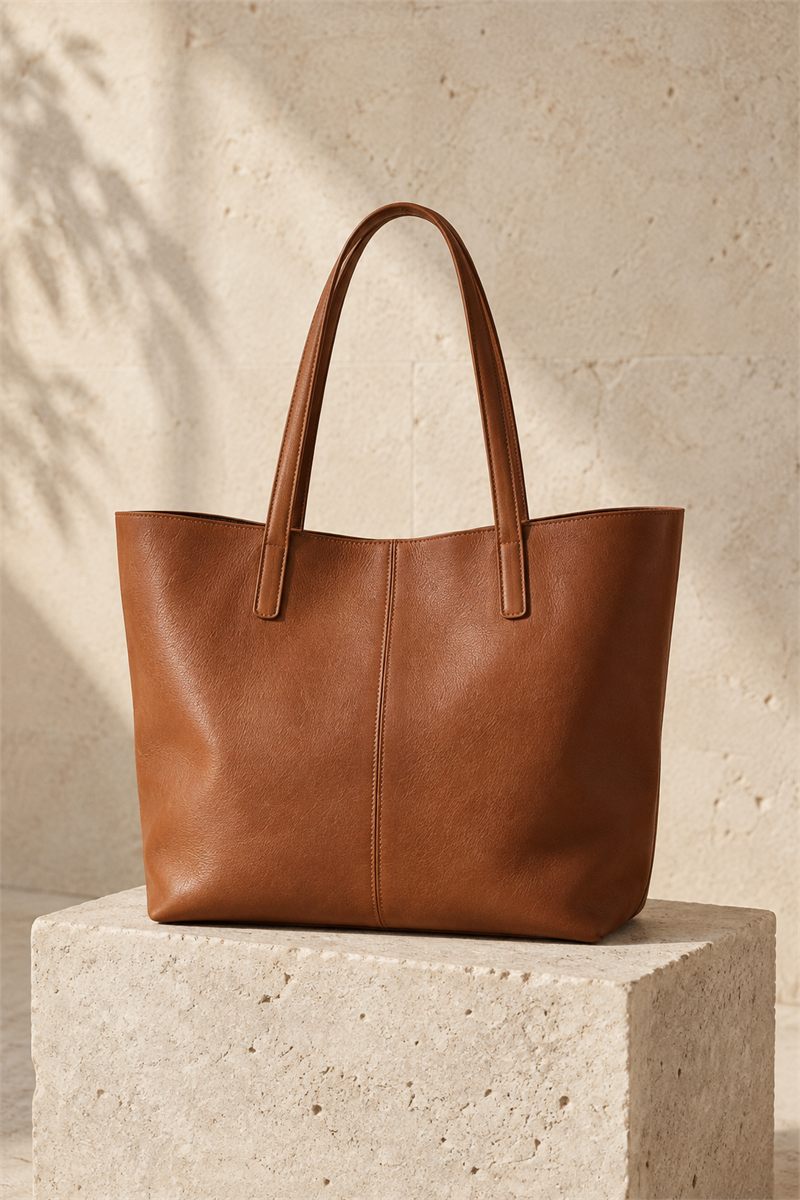 01 / YOUR PRODUCT
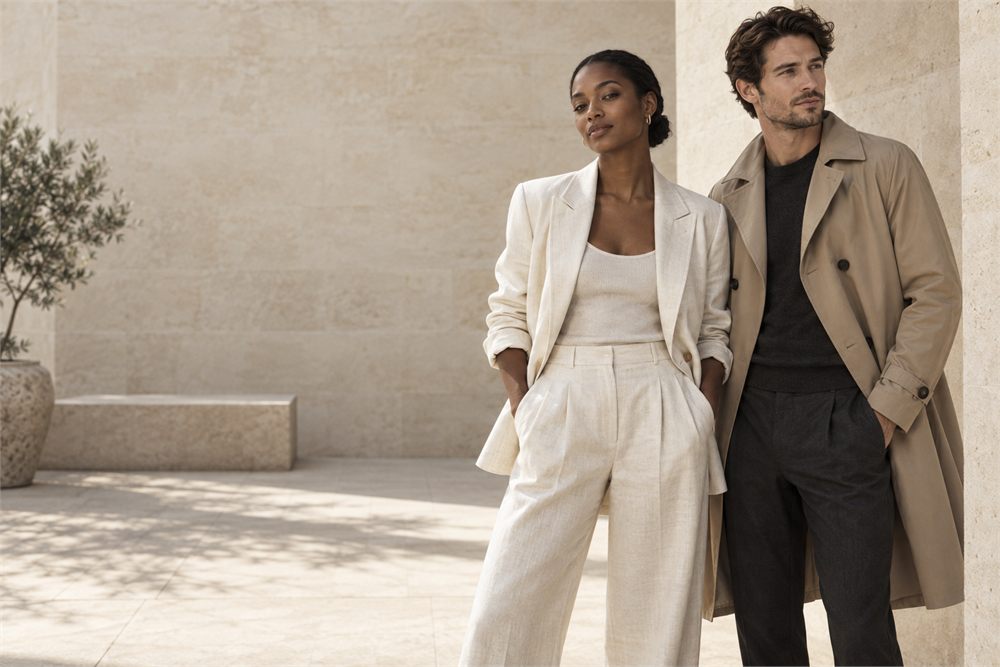 02 / YOUR CREATIVE DIRECTION
Warm light, natural textures,
a little room for imagination.
Explore 16 product photography styles, 96 adult model references and 13 scenes. Choose a pose, format and creative direction to shape the image.
Save palettes and direction in Brand Kits. Organize references and generated images in your library, or build a selectable shot list for a launch.
Save a chosen image to Shopify assets for collections and lookbooks, or select an existing product and add it to that product’s image gallery.
Choose a photo from your Shopify catalog, reuse an image from your library, or upload your own.
Choose a style and add your direction. For model photography, select the model and pose. Check the image count and credit cost before generating.
Check the result, then save it to your Shopify assets or add it to a selected product. Creating an image alone does not publish it.
Yes. Import from Shopify lets you choose a product and one of its images. You can also use your private reference library, Shopify Files or a new upload.
AI results can differ from the reference. Check details such as shape, color, labels and fit before using an image in your store. MerchCanvas does not guarantee an exact reproduction.
No. Generated results stay in your private studio until you choose a destination. Saving to Shopify assets creates a public Shopify file; adding to a product can affect a live product page. Collection and lookbook publication remain separate actions.
Tell us about your store. Let’s see what you can create.
Let’s talk MerchCanvasFor Shopify merchants. Built by Black Pear Studio.