Choose how products are selected
Combine rules such as best sellers, newest products, similar products and bought together. Use available catalog, sales and consented engagement signals.
Build product recommendations with a clear merchandising point of view. Choose the selection, refine the presentation, and give it a place in your storefront.
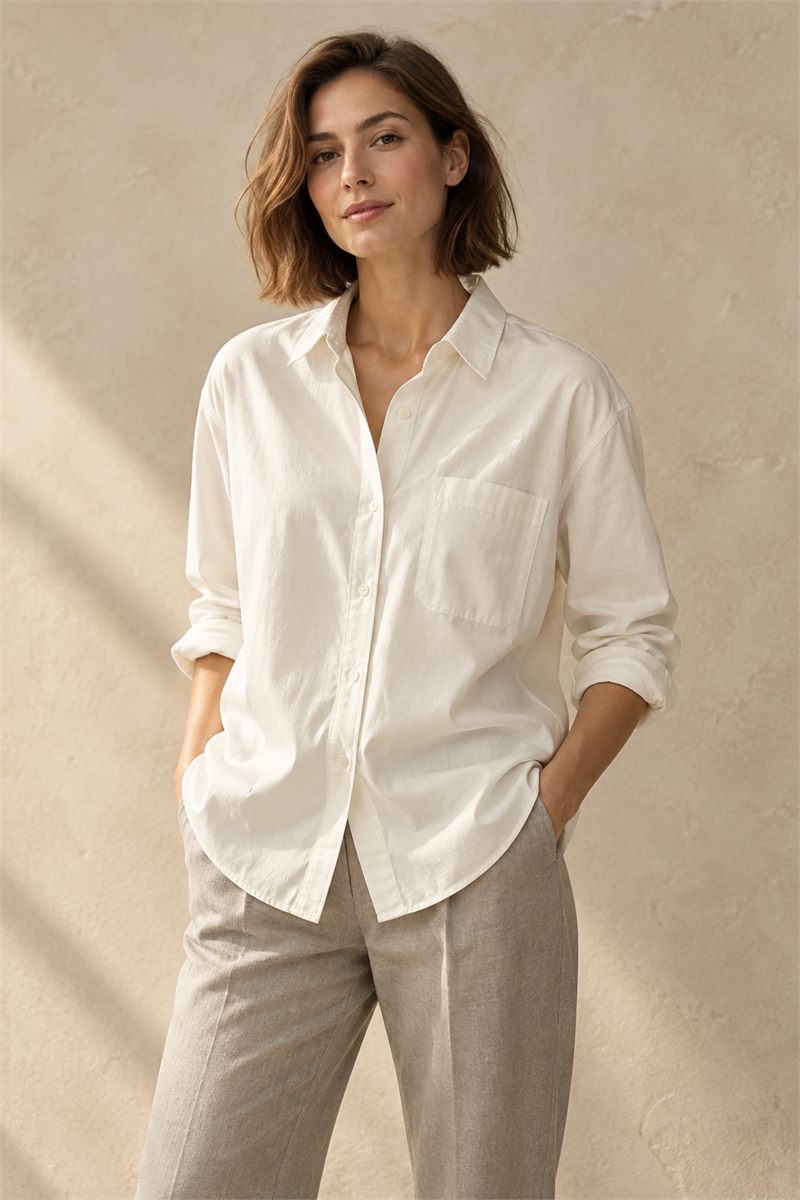
Considered pieces for
your everyday wardrobe.
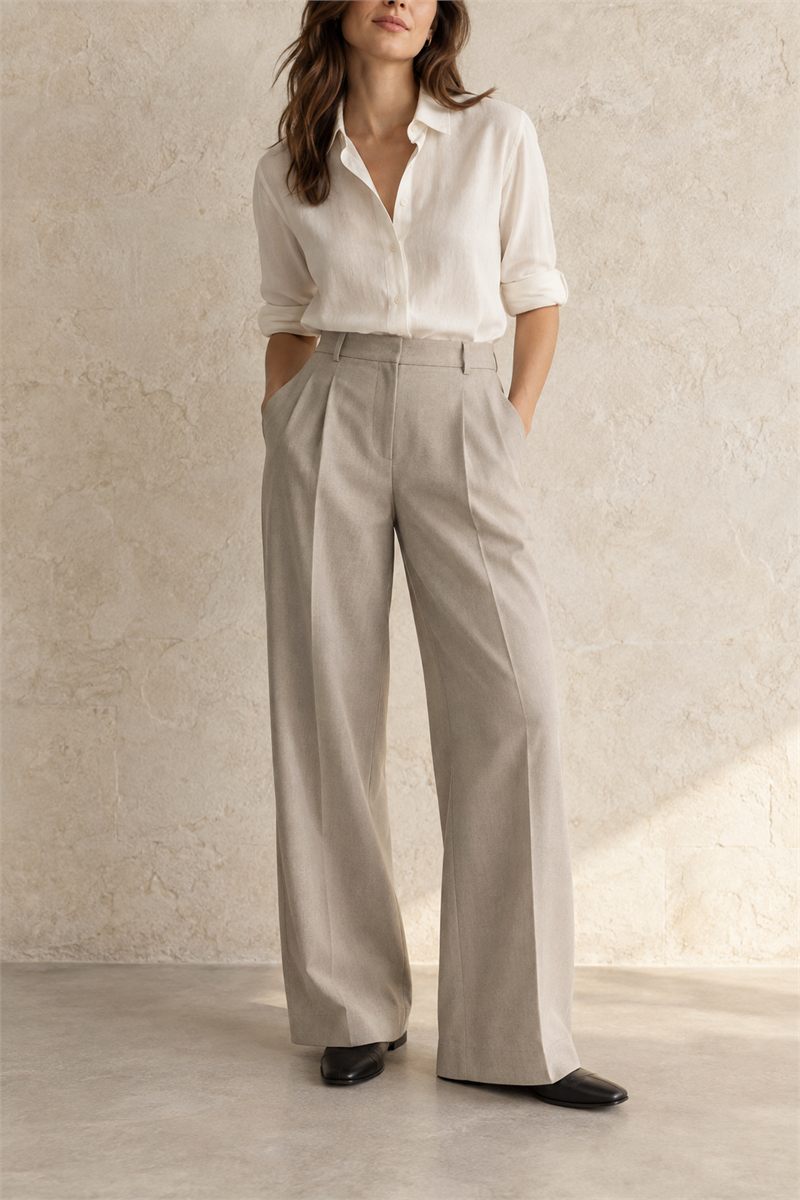 Tailored trousers
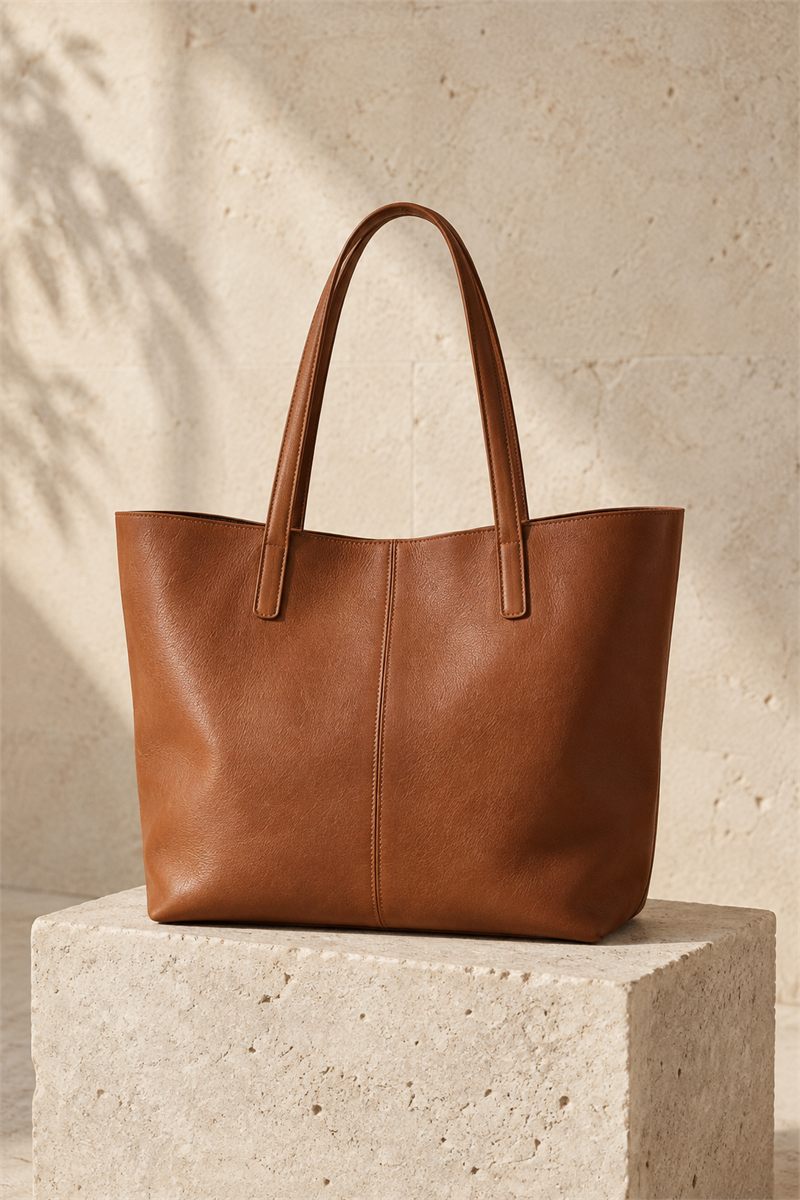 The everyday tote
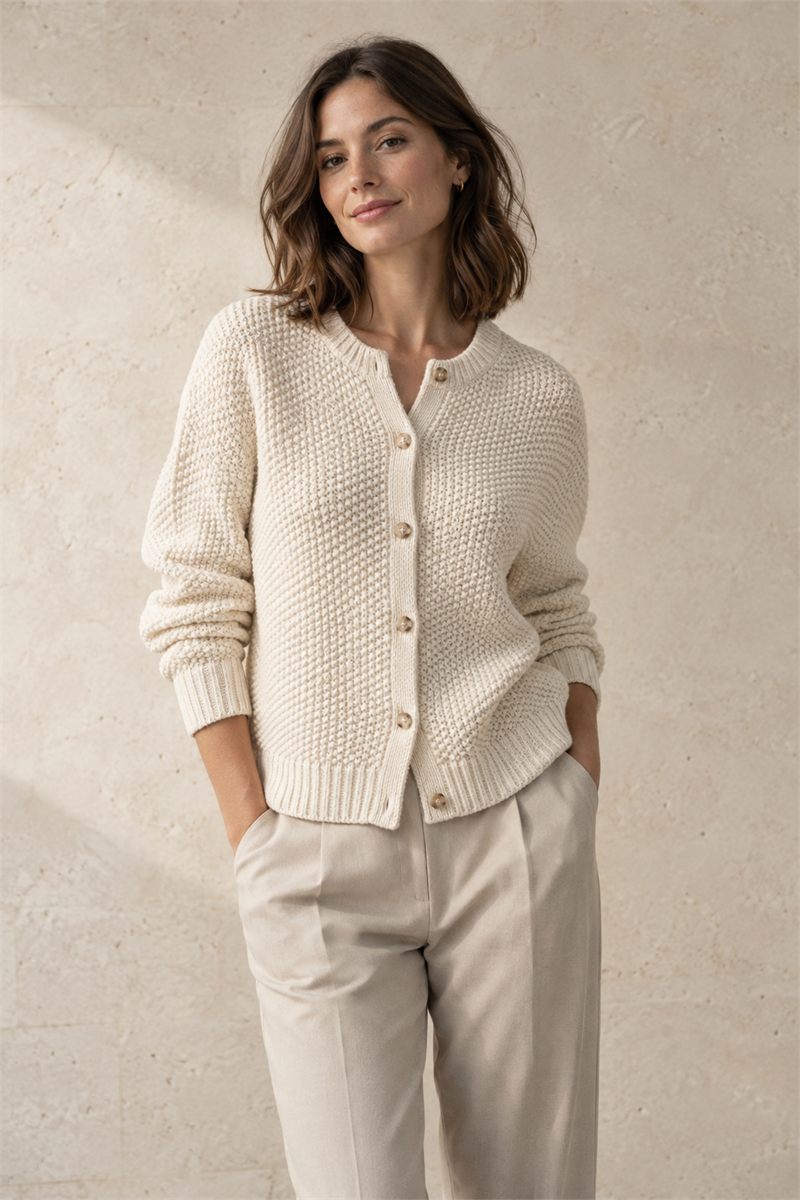 A softer layer
Combine rules such as best sellers, newest products, similar products and bought together. Use available catalog, sales and consented engagement signals.
Pin products, apply filters and exclusions, and decide how many to show. Preview the selection while refining the rules, heading and grid or slider.
Add MerchCanvas picks through Shopify’s theme editor. Connect the saved recommendation and position it on a compatible product, collection or other page.
Create a recommendation for a product page, collection page or a placement that does not need either context.
Add selection rules in order, refine filters and pins, and preview the products using your synced data.
Activate the recommendation, add its app block in the theme editor, and connect it using the recommendation ID.
No. Activation makes the saved selection available. Add the MerchCanvas picks app block in Shopify’s theme editor, connect its recommendation ID and save the theme. Your theme must support app blocks.
These recommendations use explicit selection rules and available store data. Similar products are matched using product type, tags and vendor, not image recognition or generative AI.
Rules that need unavailable data may not return products. You can add a later rule such as Newest products to fill the selection. The preview shows data warnings so you can make an informed choice.
Tell us about your store. Let’s see what you can create.
Let’s talk MerchCanvasFor Shopify merchants. Built by Black Pear Studio.